SellRules and STOQ are both Shopify apps that handle pre-orders, deposits and back-in-stock alerts.
SellRules fits stores that want a monthly price that stays the same as pre-orders grow. It also fits stores that want to send back-in-stock emails without watching a monthly count, and stores that want members-only sales and per-customer purchase limits in the same app.
This article is written by the developer of SellRules. The STOQ column contains only what its Shopify App Store listing (in English) said on November 16, 2026. “Not listed” means the listing does not mention it; it does not mean the app lacks the feature.
What the 2 app listings say (November 16, 2026)
The first table covers who can buy and how many, and the second covers how each app collects payment and sends back-in-stock alerts. Text in quotation marks is the wording of the listing. “Tag required” and “Login required” are setting names on the SellRules admin screen.
| Item | SellRules | STOQ |
|---|---|---|
| Members-only sales by customer tag | Yes (“Tag required”) | Not listed |
| Selling only to signed-in customers | Yes (“Login required”) | Not listed |
| Limit per order | Yes | Listed under “Order limits” |
| Total limit per customer | Yes | Not listed |
| Item | SellRules | STOQ |
|---|---|---|
| Deposits | “Take deposits and charge balances later”; “auto-charge the rest when due” | “Set up preorder, presales, back orders, deposit or partial payment orders” |
| Back-in-stock alerts | “Automate preorder and restock emails” | “Send back in stock email/SMS alerts to waitlist when you restock automatically” |
| Switch to pre-orders or back-in-stock alerts when sold out | Yes | “Add Preorder or Notify me widget to your out of stock products in minutes” |
Listings change, so open them again before you install an app.
3 conditions where SellRules fits
If any of the 3 conditions below applies to your store, you have a reason to choose SellRules.
You want a monthly price that stays the same as pre-orders grow
The SellRules Launch plan is a flat monthly price with no cap on the number of pre-orders. STOQ's Lite plan includes 100 pre-orders per month and its Pro plan includes 400. Beyond that, each extra pre-order costs a fee ($0.25 on Lite, $0.1 on Pro).
For example, if you take 300 pre-orders for a new release in one month, you go 200 over the 100 per month on STOQ's Lite plan. On SellRules, the monthly price stays the same at that volume.
You want to send back-in-stock emails without watching a monthly count
The SellRules Launch plan has no cap on the number of back-in-stock emails either. STOQ's email/SMS allowance is 1,000 per month on the Lite plan and 3,000 per month on the Pro plan.
When a customer who signed up for a back-in-stock alert is notified, SellRules sends this email automatically.
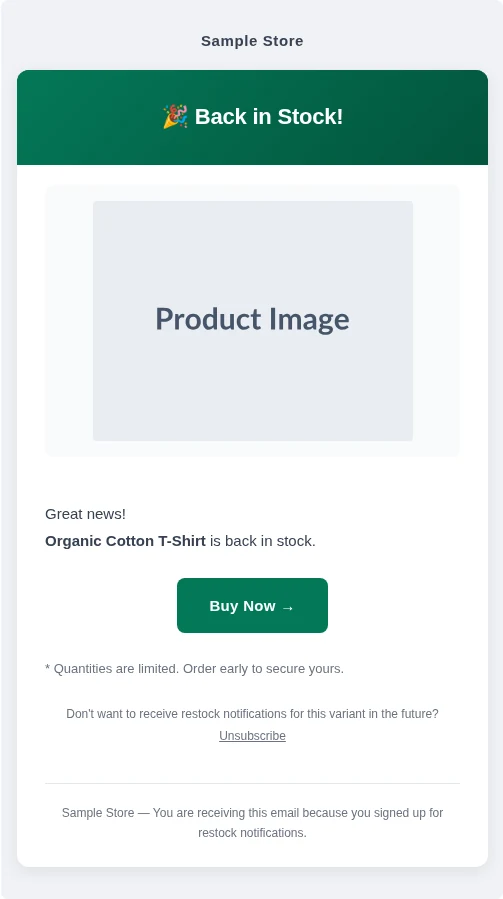
For example, if 2,000 people sign up to wait for a popular product to come back, a single restock goes over the 1,000 per month on STOQ's Lite plan. On SellRules, all 2,000 people get the email, and the monthly price stays the same.
You want members-only sales and per-customer purchase limits in the same app
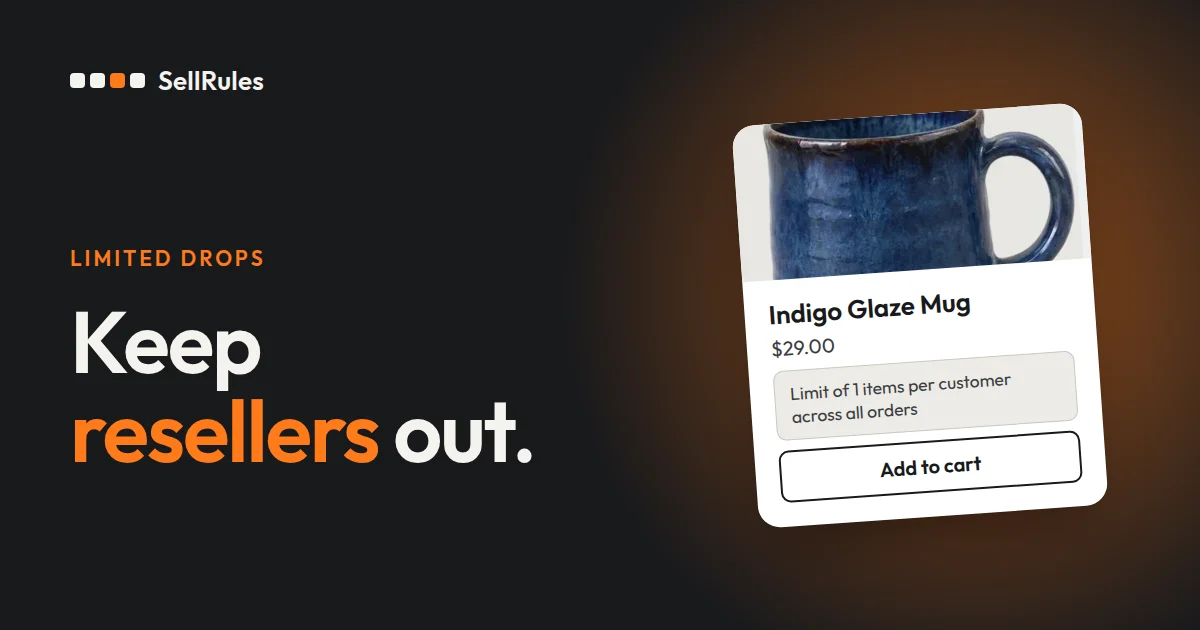
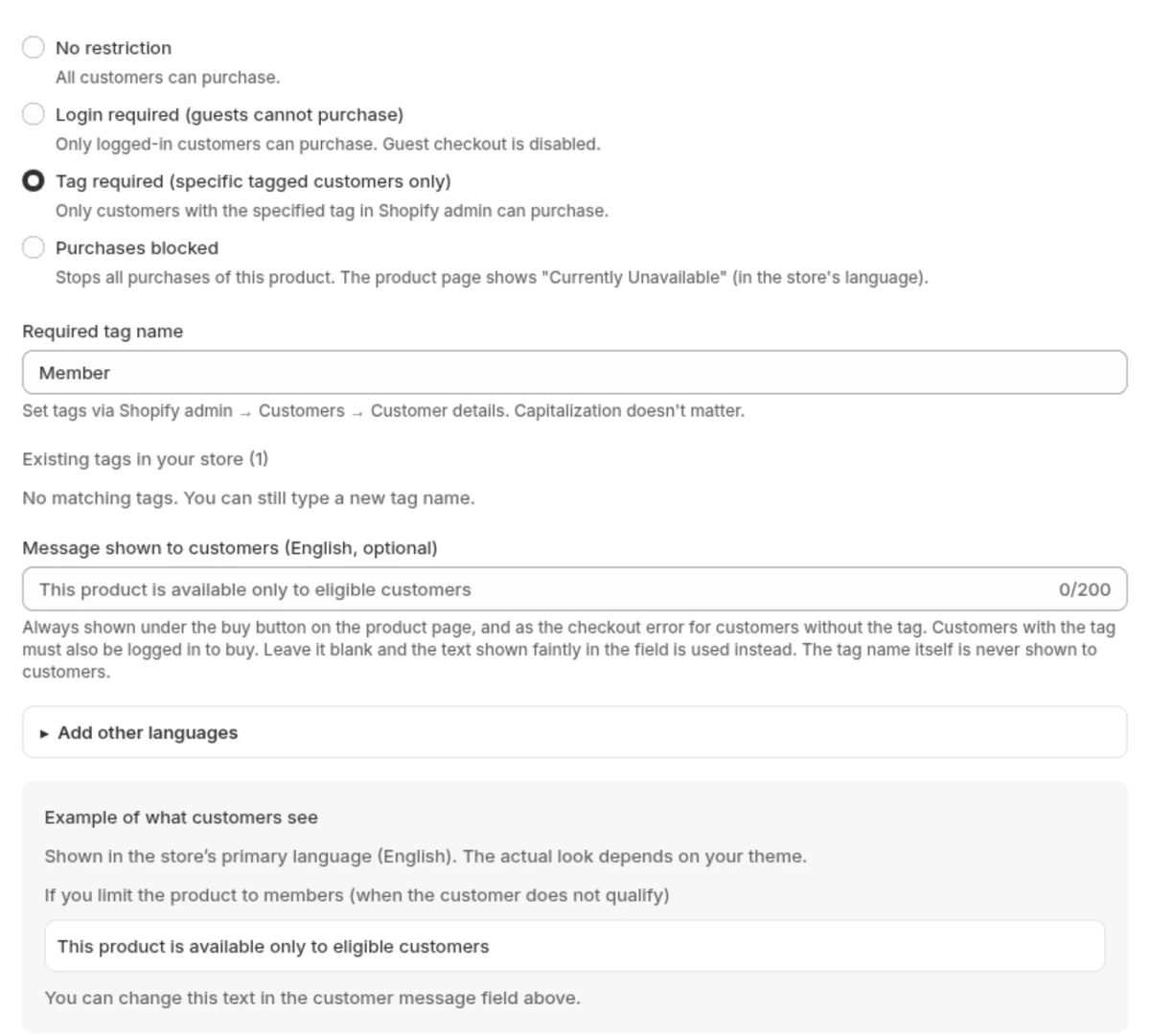
In SellRules, setting purchase eligibility to “Tag required” in a purchase limit lets only customers with the tag you choose buy the product. Setting it to “Login required” and entering a “Cumulative quantity limit per customer” stops a customer from buying more than the limit in total, even when they split the purchase across several orders. When you apply “1 per customer” to a members-only early pre-order, you set it in the same admin as pre-orders.
Set up your first pre-order in SellRules
From installing SellRules to starting your first pre-order, there are 3 steps.
- Install SellRules from the Shopify App Store and turn on the app embed in your theme.
- In “Sales schedules”, select a product, enter the pre-order start date and the shipping estimate, and save.
- To take back-in-stock sign-ups on a sold-out product, open “Sold-out switches” under “Purchase limits & sold-out”, select the product, set “Switch mode” to “Back-in-stock notification only” and save.
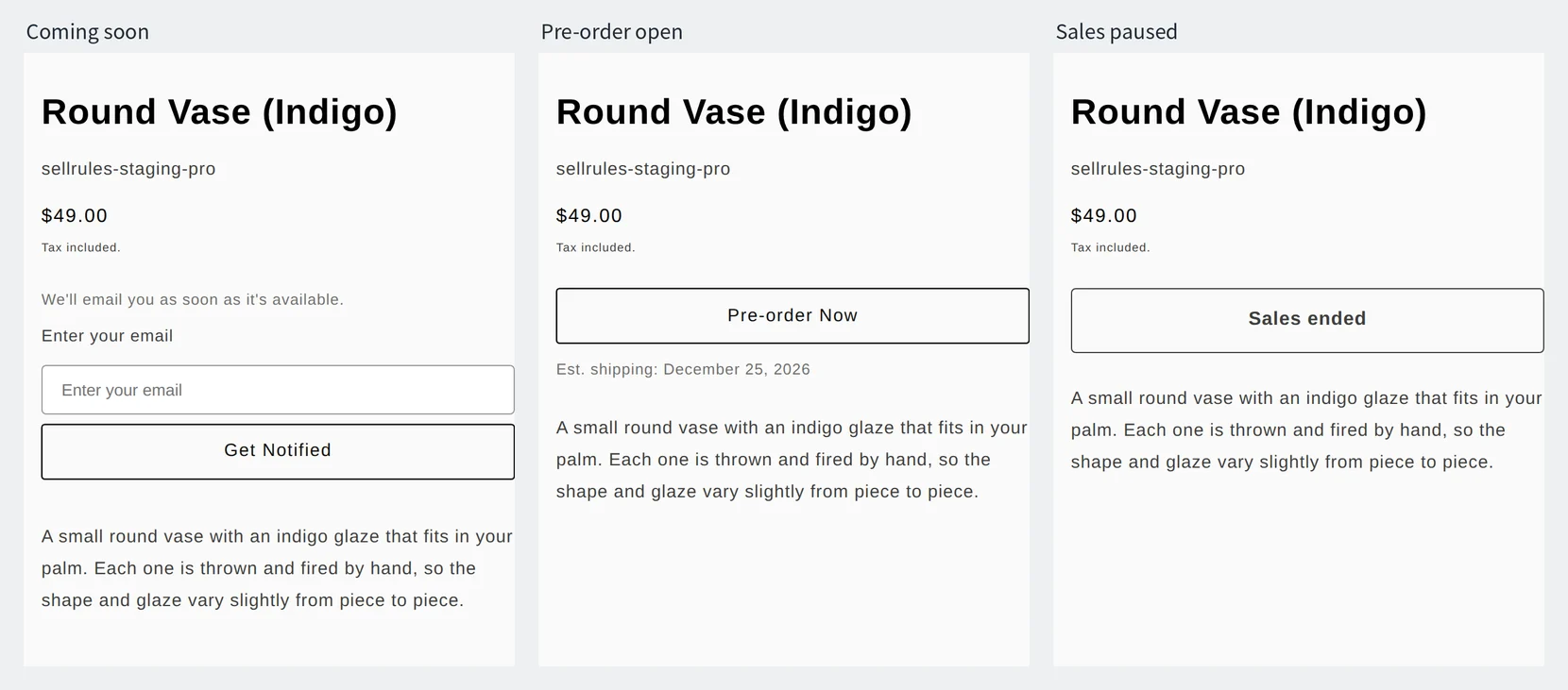
After saving, open the product page and check that the button has changed to “Pre-order Now” and that the shipping estimate is shown.
Pricing
Here is the pricing of the 2 apps as of November 16, 2026. Free plans and limits are from the App Store listings. The US dollar prices for STOQ are from the developer's pricing page.
| App | Monthly price | Free plan |
|---|---|---|
| SellRules | Free $0 / Launch US$7.99 per month (no cap on pre-orders or notification emails) | Free plan available |
| STOQ | Lite $10 (100 preorders per month, then $0.25 per preorder above limit; 1,000 email/SMS per month) / Pro $29 (400 per month, then $0.1 per preorder above limit; 3,000 per month) / Unlimited $69 (unlimited preorders and email/SMS) | Free plan available (10 preorders and 30 emails per month) |
Source for the US dollar prices of STOQ: the developer's pricing page.
On the SellRules Free plan you can use pre-orders and made-to-order sales, the sold-out switch and back-in-stock alerts. Deposits and automatic balance charges are available on the Launch plan.
A monthly price that stays the same as pre-orders grow, back-in-stock emails with no monthly count to watch, and members-only sales and per-customer purchase limits in the same app: these are the reasons to choose SellRules. Start a pre-order for one product on the Free plan and check how the product page looks. You can install SellRules from the Shopify App Store.
Setup guides: how to set up back-in-stock emails, how to sell members-only products with customer tags, how to limit a product to 1 per customer and planning early-access and limited sales. To compare pre-order apps beyond these two, read Shopify pre-order apps compared.
Frequently Asked Questions
What should I do with open pre-orders when I switch from STOQ?
Finish collecting balances and shipping for the orders you have already taken in STOQ before you switch. Shopify's help says that uninstalling a pre-order app deletes the pre-order data it created (except customers' payment information) after 48 hours. If you start only new pre-orders in SellRules, the open orders are not affected.
Will I be billed in US dollars?
Only if your store's billing currency is US dollars. App prices are set in US dollars, and Shopify bills you in your store's billing currency. If that currency is different, the amount on your bill depends on the exchange rate on the billing date.