What Time to Start Shipping Each Day: How to Pick a Start Time and Handle Exception Days
Choose your shipping start time from three things: when orders come in, when you can drop packages at a postbox, and what else is on your schedule. On days with no orders, an urgent order, or time away, follow rules you set in advance.
I start at 14:00 every day. The steps and how long they take are covered in a separate article, so here I stick to how to pick a time and how to handle exception days.
Pick a Start Time Using Three Checks
Check these three things in order. If you go by only one, you end up missing orders, missing the drop-off, or colliding with other work.
1. When orders come in
Look at the order times in your Shopify order history. If your start time falls after the busiest hours, you can process most of the orders that came in that day on the same day.
2. When you can drop packages off
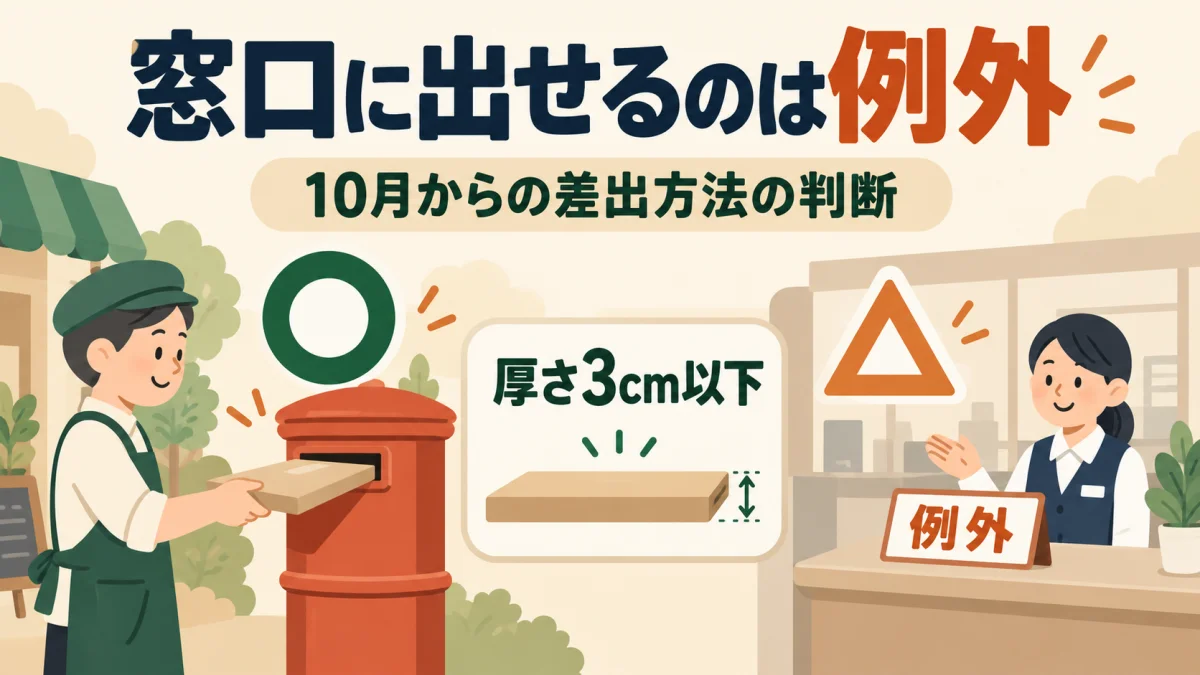
Starting October 1, 2026, Click Post packages must in principle be dropped in a postbox. Your start time is the time you leave for the postbox minus how long the work takes. Leave before the collection time printed on the postbox you use.
Only packages 3cm thick or less can go to a post office counter, and only if one of three exceptions applies, such as the postbox being full. On days you take packages to the counter, work backward from the opening hours of your post office. For the conditions, see When Can You Drop Off Click Post at the Counter? Exception Conditions and Postbox Decisions.
3. Your other commitments
Avoid anything you can't move every day, such as a day job, making products, or household tasks. Packing keeps your hands busy, so choose a slot that doesn't overlap with what comes before or after.
My example: why I chose 14:00
I start at 14:00 every day. A large batch of orders comes in during the morning, so processing everything at 14:00 gets most of them out the same day. It also falls after lunch and photography and before I start making products in the afternoon, so I don't have to move anything else.
| Time | Task |
|---|---|
| 9:00–12:00 | Making products, sourcing, customer inquiries |
| 12:00–13:00 | Lunch break |
| 13:00–14:00 | Product photos, social media posts, store updates |
| 14:00–14:15 | Shipping |
| 14:15–14:30 | Drop packages in the postbox |
| 14:30–17:00 | Making products, planning new products |
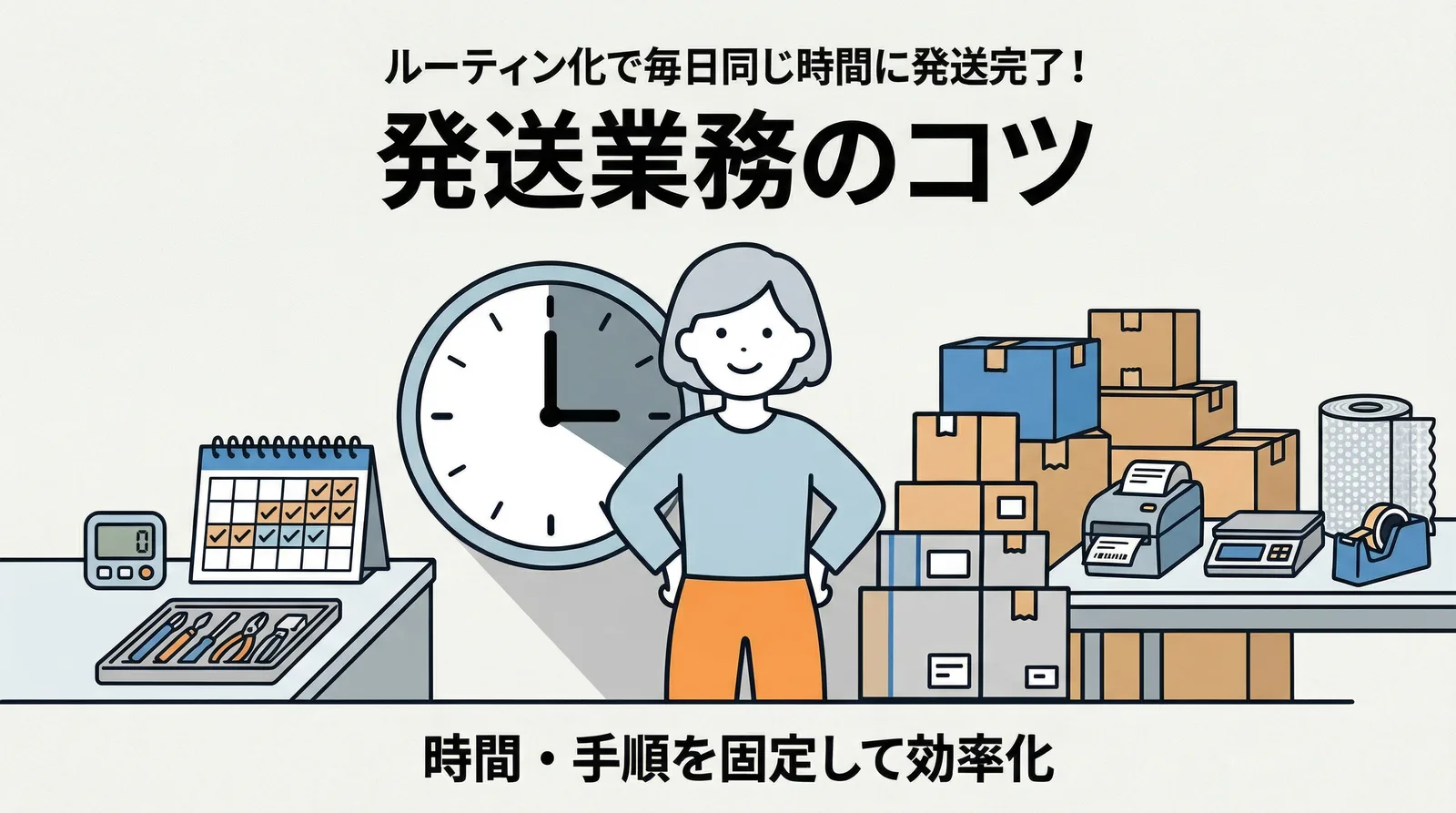
I review the time after about two weeks of sticking with it. If your orders now come in at different hours, start over from the first check.
Run the Steps in the Same Order Every Time
Run the steps in the same order each time: export the CSV, pay in Click Post, print labels and pack, then sync the tracking numbers. With the order fixed, you don't have to decide what comes first each time you start.
Ten orders take about 15 minutes, so if you start at least 15 minutes before you leave for the postbox, you can finish packing before you go. Timings and how to set up each step are in How to Build a Workflow to Ship 10 Orders in 15 Minutes a Day.
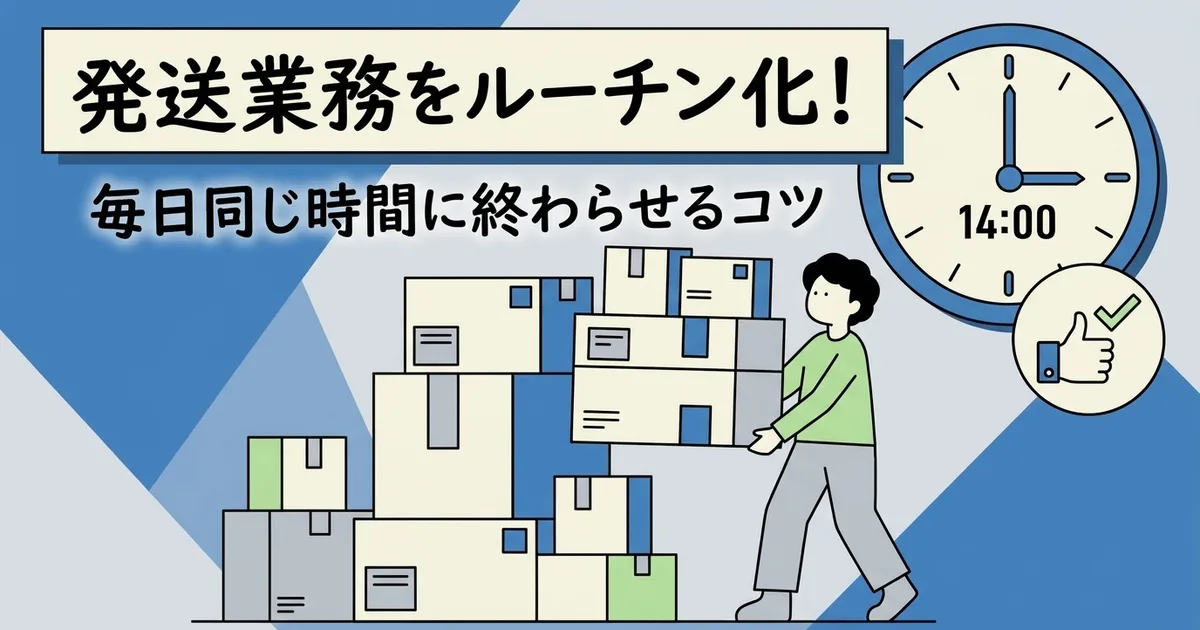
On Exception Days, Follow Your Pre-Set Rules
So you don't have to stop and think when something unexpected happens, set rules in advance for four situations.
| Exception | Rule |
|---|---|
| No orders by your start time | Skip shipping. Process those orders together at the next day's start time. |
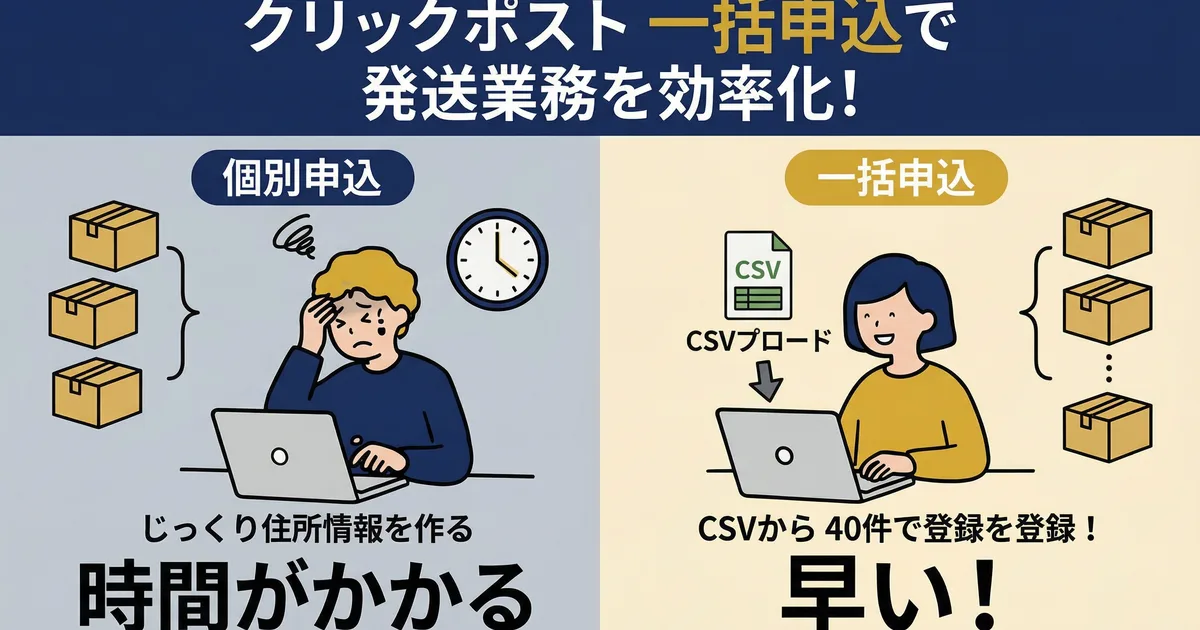
| More than 40 orders | Split the CSV into batches of 40 or fewer and upload them one at a time. The steps stay the same. |
| Urgent order (needs to go in the postbox today) | An order that came in before your start time gets processed on its own right away, without waiting. One that came in after your start time waits until the next day. |
| Illness or time away | Process everything together at the next day's start time. Check that this still fits the shipping estimate you gave your customers. |
The 40-order limit is the per-upload maximum in Click Post's CSV creation manual. If you'll be away for several days in a row, How to Set Realistic Shipping Lead Times for a Side Business explains how to tell customers.
Frequently Asked Questions
Q. Orders come in at random times, so they're hard to batch
Set a cutoff: orders that arrive by your start time get processed at that time, and later ones wait until the next day. If you use the same cutoff in the shipping estimate you give customers, their expectations match what you actually do.
Q. What should I do when I'm traveling or away for a long time?
Announce your shipping schedule before you leave. Putting it in your shipping policy is the easiest way, because customers can check it any time.
Wrap-Up
Once you've picked a start time, handle exception days exactly as the table says.
Instant Shipping! for Click Post handles everything from CSV export to tracking number sync in one run, which can also make your routine more efficient.
Related Articles
- Shopify × Click Post Shipping Guide: The Flow from CSV Export to Tracking Registration — The whole flow from CSV to tracking numbers
- How to Build a Workflow to Ship 10 Orders in 15 Minutes a Day — Time and setup for each step. This article covers when to start and how to handle exception days
- How to Set Realistic Shipping Lead Times for a Side Business — How to tell customers so that days away or delays don't clash with their expectations
- How to Create a Shipping Manual to Delegate Fulfillment to Staff and Partners — How to write your start time and exception rules into a manual you can hand off